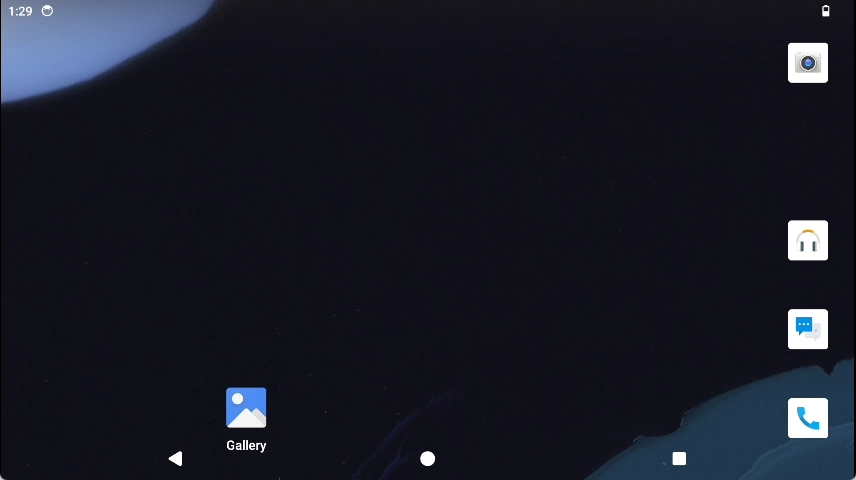
System Login
After installing the system, initial setup is required in “Settings” on first boot.
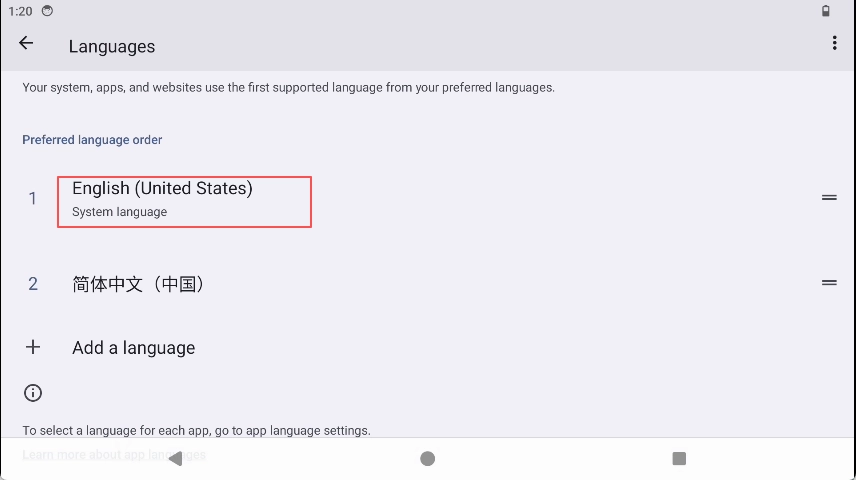
Select language;
Go to “Settings”->“System”->“Languages” and select the desired language.
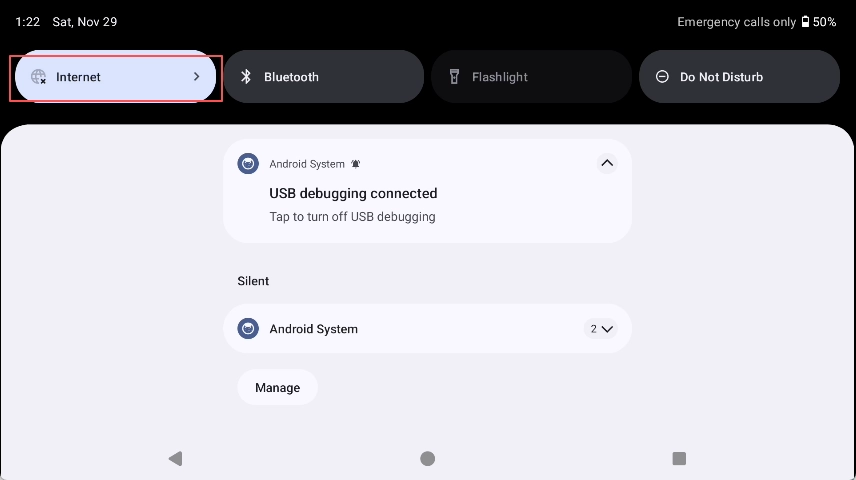
Select Wi-Fi connection; if you do not wish to connect now, you can skip this step;
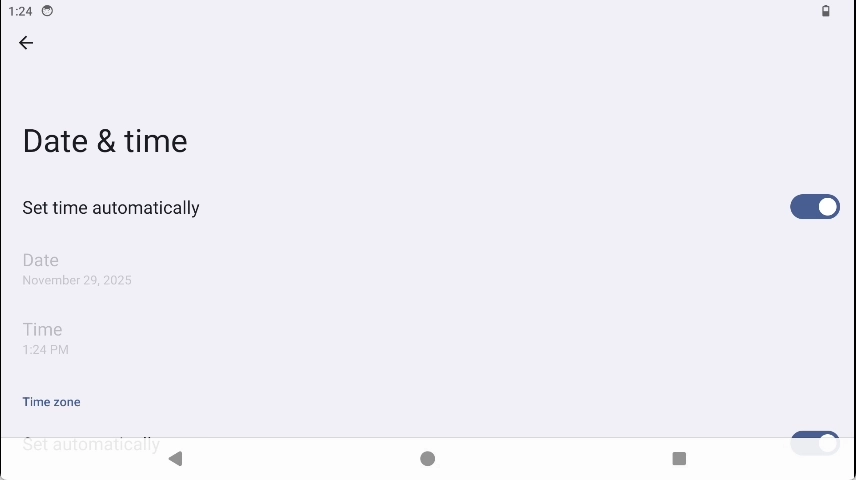
Set time zone;
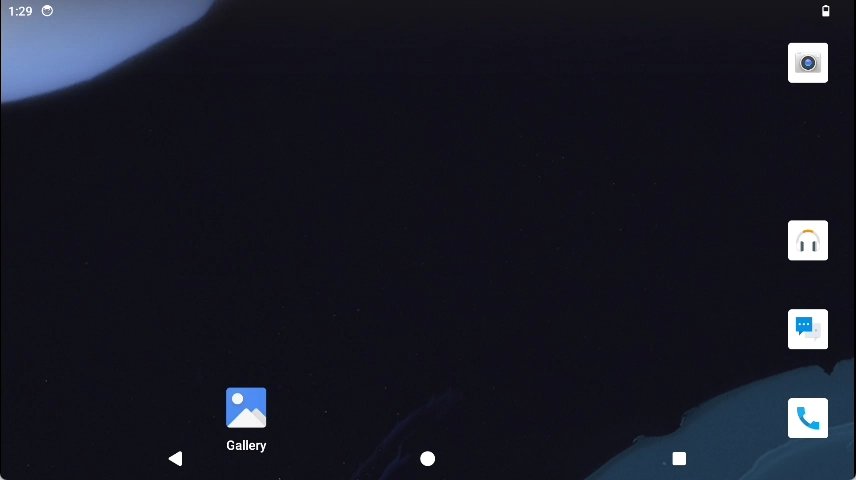
Desktop display.
For other detailed settings, please refer to the User Guide section.
After login, the desktop displays as follows: